Airplanes & Helicopters Facebook Cover Photos
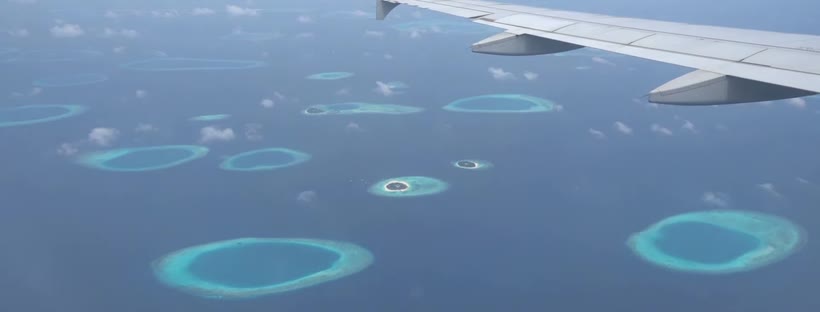
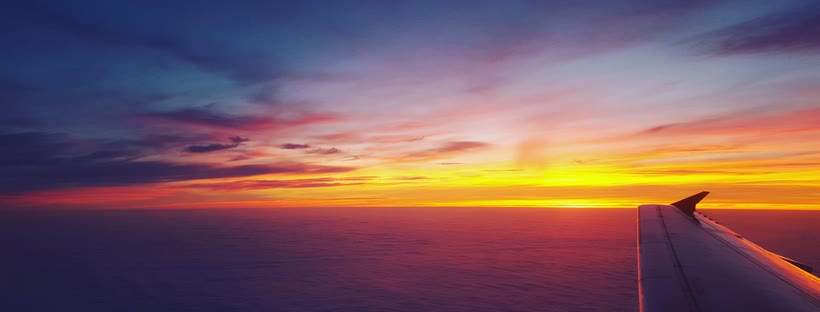
Every airplanes & helicopters cover below is cut from a 4K background and already sized for Facebook: 820 × 312 for desktop, 1640 × 624 for Retina screens.
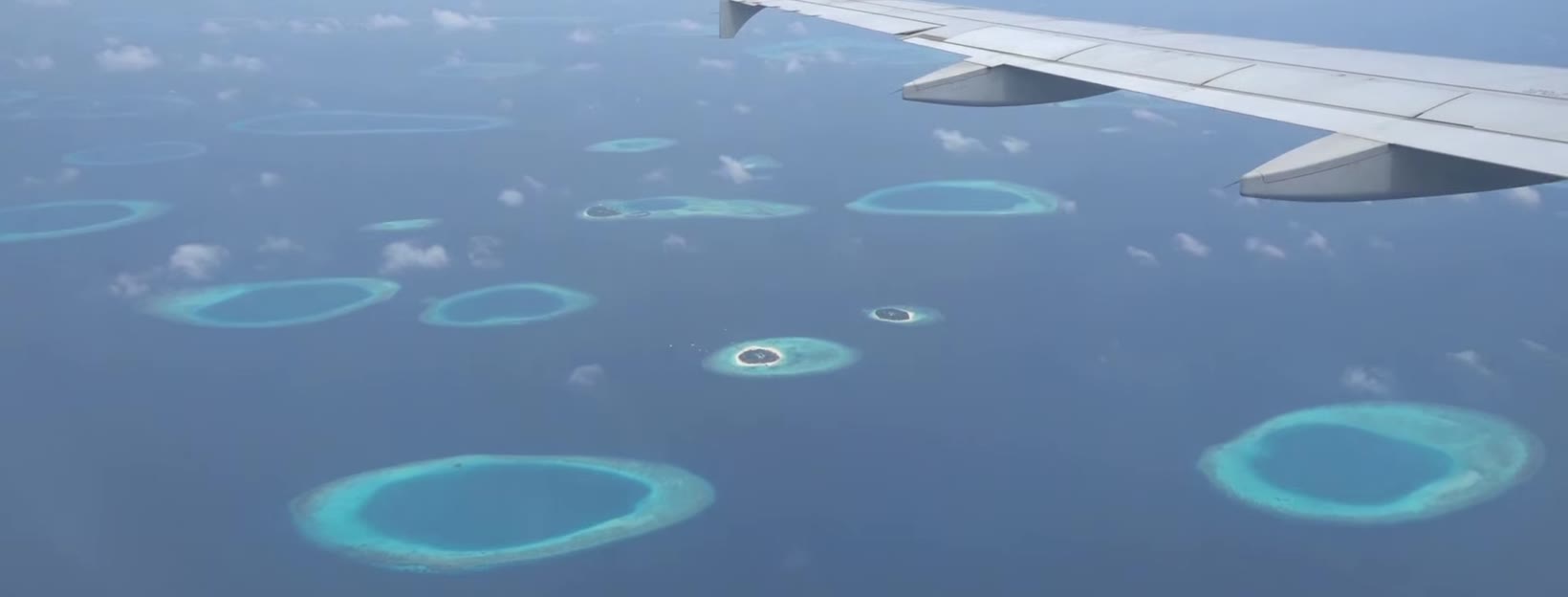
Welcome to the paradise
Airplanes & Helicopters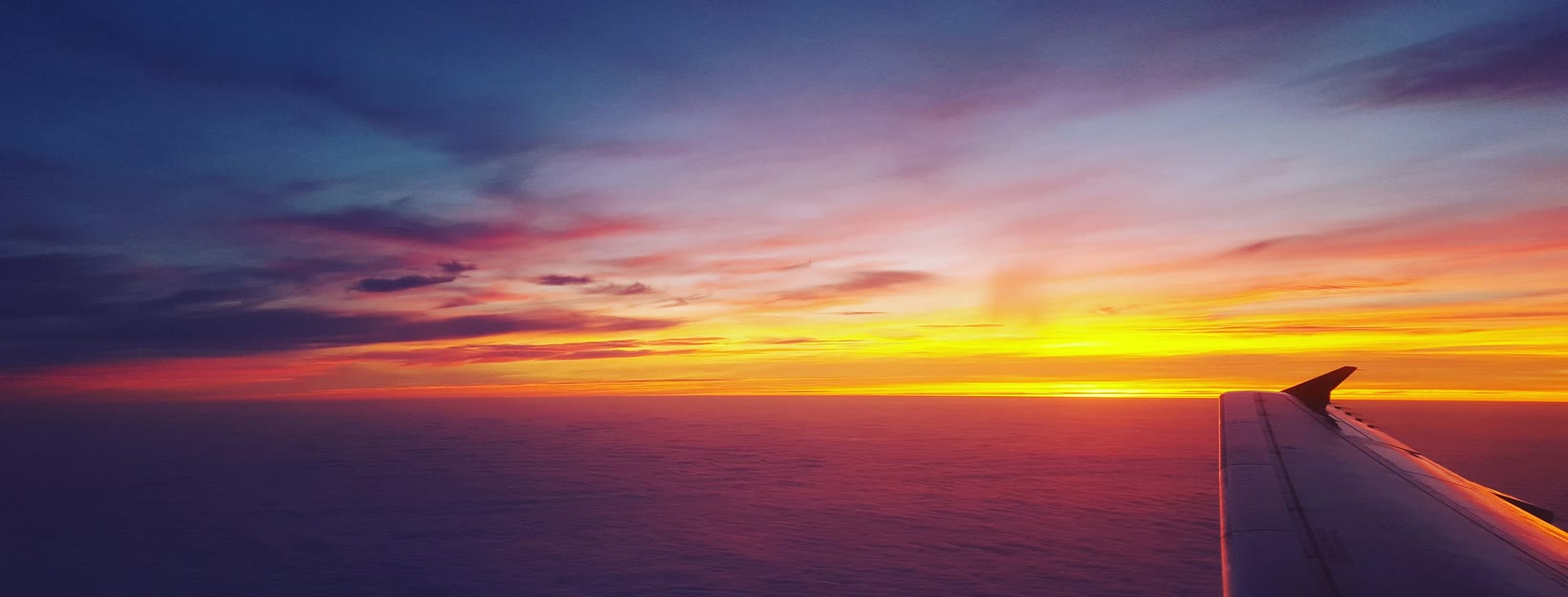
Aircraft sunset
Airplanes & HelicoptersAirplanes & Helicopters covers that fit without cropping
Facebook shows a cover at 820 × 312 pixels on desktop and 640 × 360 on phones. Most wallpapers are 16:9, so uploading one straight from a wallpaper site leaves Facebook to crop it and the result is rarely what you wanted. Every cover here is cut from the centre of a 3840 × 2160 background at exactly 2.63:1, so the picture you download is the picture people see.
Download the 820 × 312 file if you just want it to work, or the 1640 × 624 file so it stays sharp on Retina and 4K displays: Facebook scales it down itself. Both are JPGs under 200 KB.
How to set a cover photo on Facebook
- Download a cover above (820 × 312 or 1640 × 624).
- Open your profile or page on Facebook and click the camera icon (or Edit cover photo) in the bottom-right corner of the current cover.
- Choose Upload photo and pick the file you downloaded.
- You can drag it up or down, but with these files there is nothing to reposition: the crop already matches. Click Save changes.
- Check the phone view: the sides are cropped a little there, which is why the covers keep the subject in the middle.
Want the same picture behind the whole of Facebook, not just the top of your profile? The Themes for Facebook extension uses these backgrounds as full-page themes with matching colours.
Licence
The covers are cut from the backgrounds of our own theme catalogue. You can use them on your personal profile, page or group for free. Please do not resell them or repost them as your own wallpaper packs.